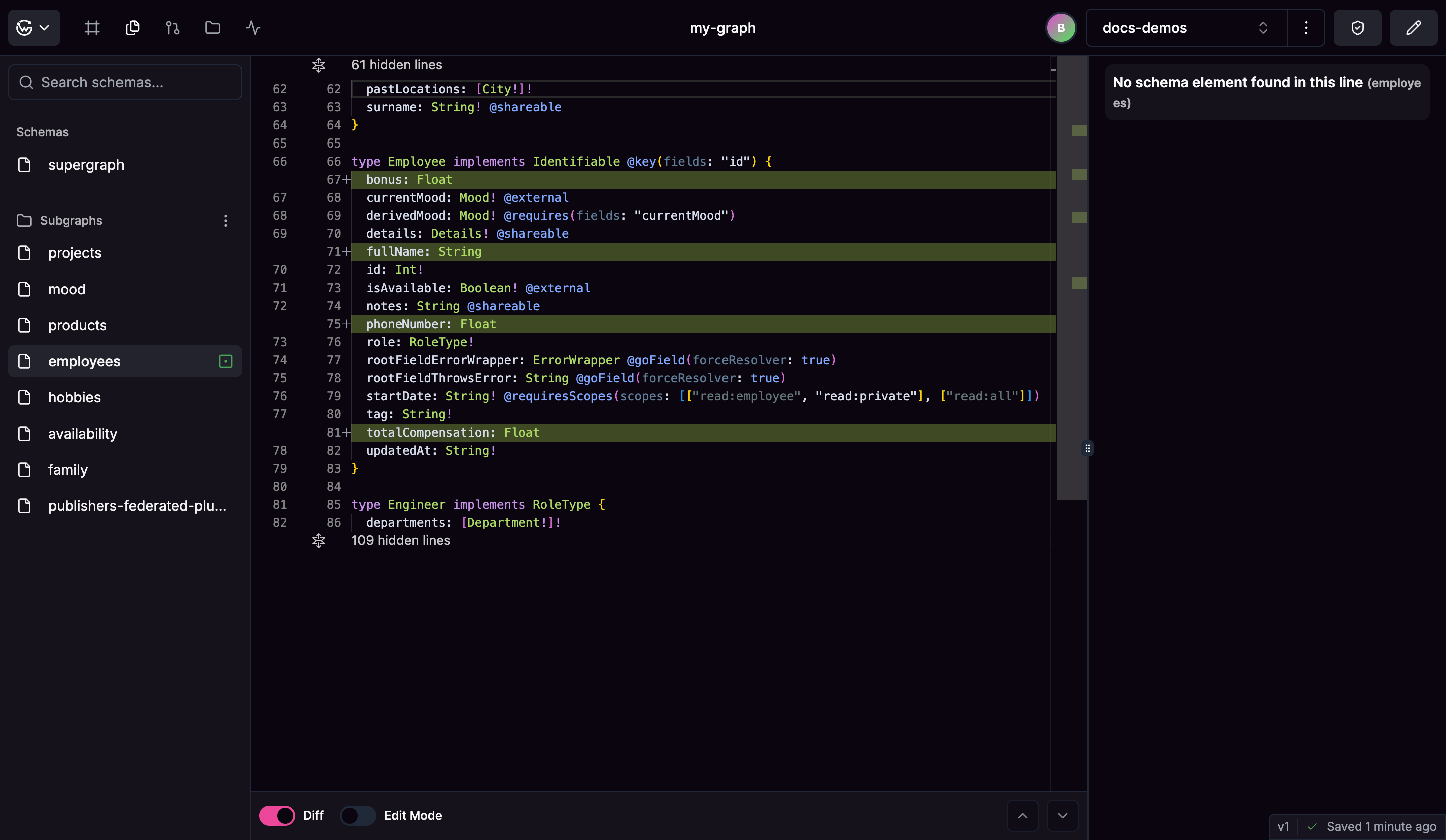
Shows changes between your working branch and main with syntax highlighting. Switch between supergraph and subgraph views in the sidebar. Files show modification status - changed, new, or deleted schemas.Click any line to navigate to specific GraphQL types or fields. URLs sync so you can share specific schema locations. Real-time validation highlights GraphQL syntax errors.
Edit subgraph schemas directly with live validation. Toggle edit mode for any subgraph - supergraph stays read-only since it’s generated from subgraph composition.Changes validate in real-time against GraphQL syntax and federation rules. Save triggers automatic composition and updates the supergraph. Failed compositions show specific error details and prevent saving.
Click any GraphQL element to add contextual comments. Comments anchor to specific types and fields and sync in real-time across your team.Mark discussions as resolved when decisions are made. Comment threads appear as margin decorations with different styling for resolved vs active discussions.Learn more about collaborative commenting in Discussions.
Was this page helpful?
Assistant
Responses are generated using AI and may contain mistakes.