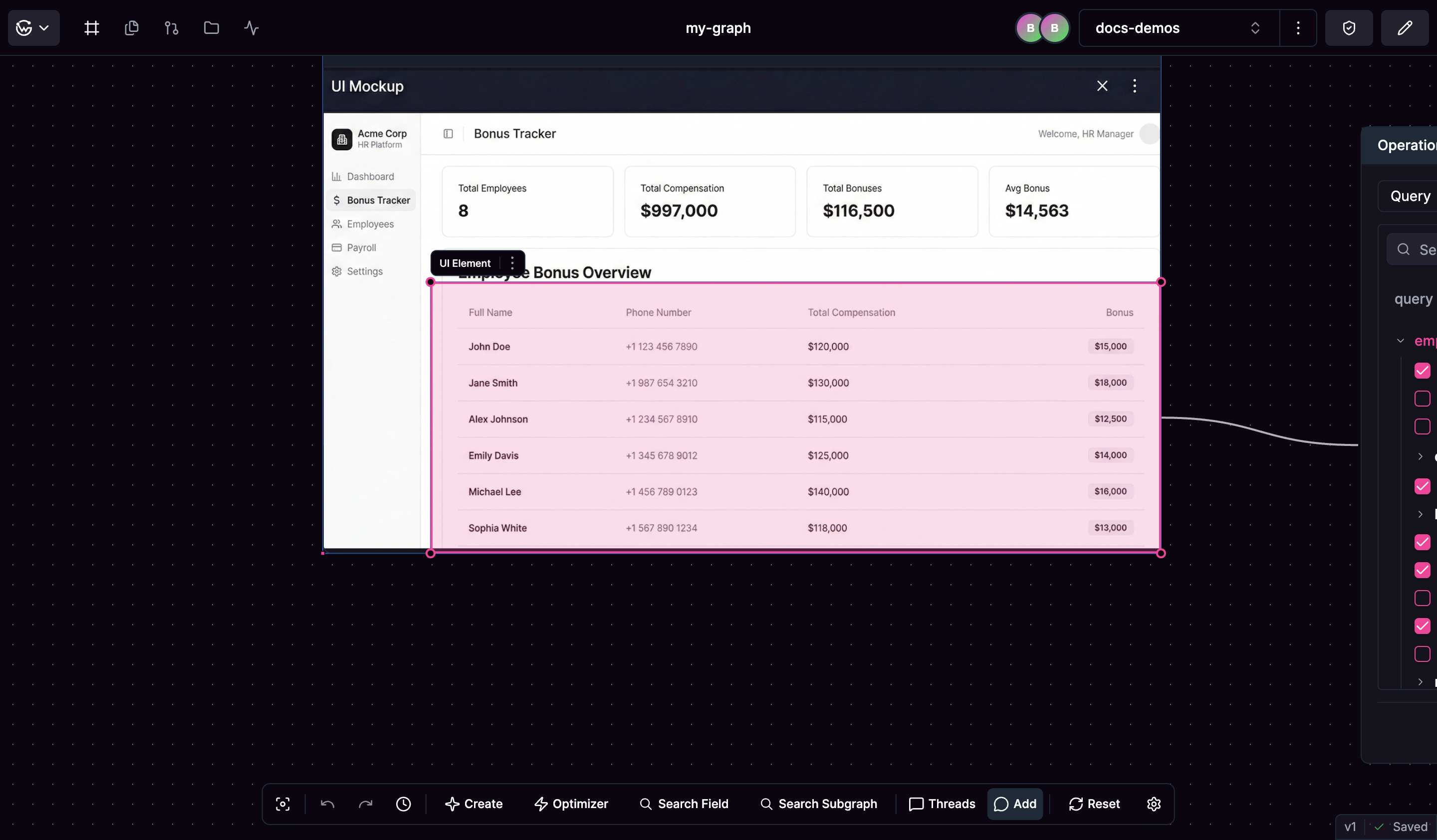
Creating UI Mock Nodes
You can create UI Mock nodes in several ways.- Use “Create UI Mock” from the action bar to add a new mockup node
- Drag and drop image files directly onto the canvas
- Copy images from design tools and paste them using Ctrl+V (Cmd+V on Mac)
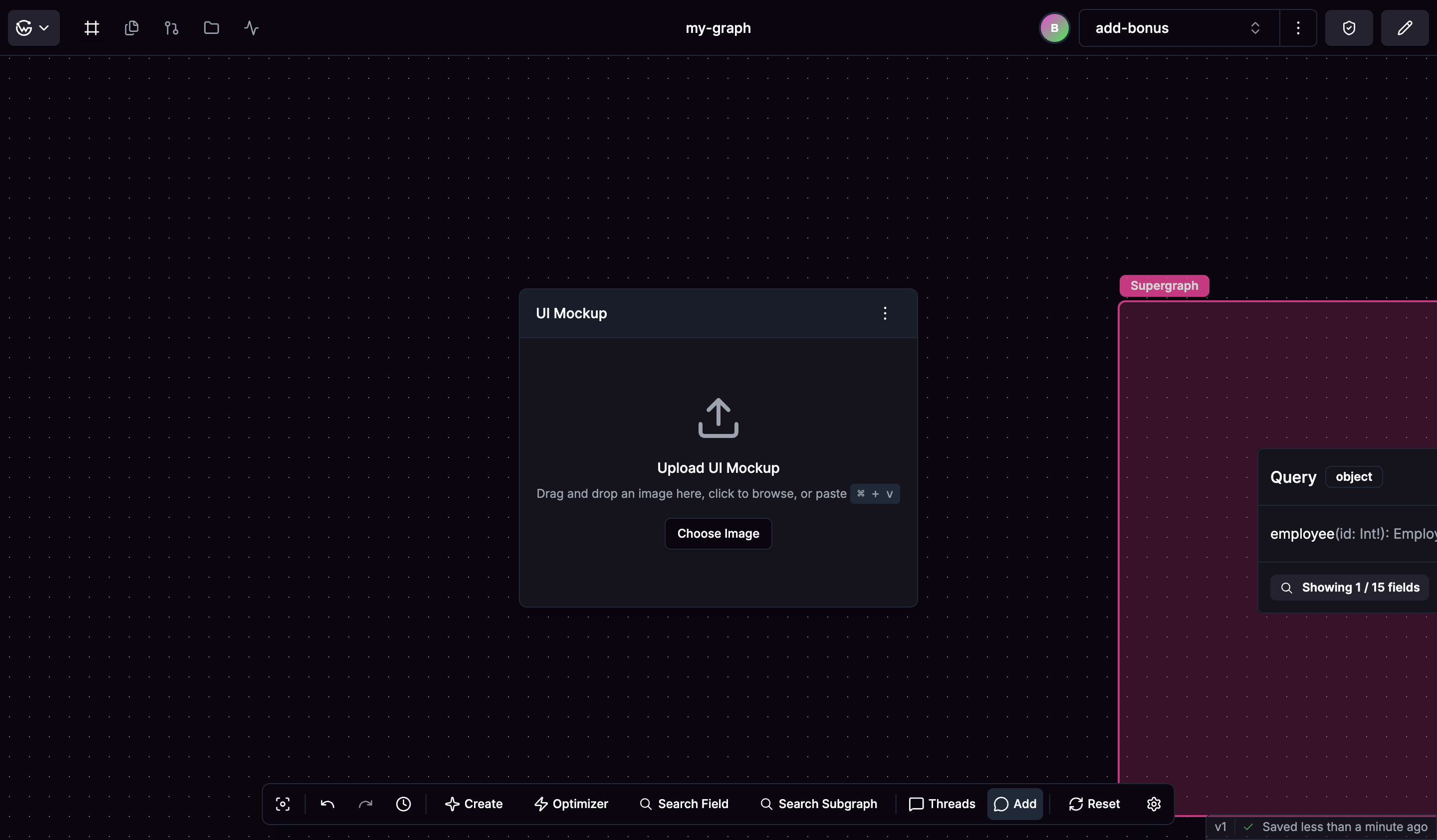
Working with Mockups
Once you have a UI Mock node, upload your interface designs in common formats like PNG or JPG. Click and drag to create highlighted regions over parts of your interface that need API data, then give these highlighted areas descriptive names to document what data they represent.