

What are Proposals?
Proposals provide a structured way to manage, review, and implement changes to federated graphs. They allow teams to propose and evaluate modifications to subgraphs, enabling a collaborative review process and minimizing the risk of introducing errors or breaking changes. A proposal represents a collection of changes to a federated graph, which can include:- Updates to existing subgraphs
- Addition of new subgraphs
- Removal of existing subgraphs
Required configuration
To use proposals, the user should have integrated the graph with the WunderGraph Cosmo schema registry. Once the graph is integrated, the users should configure proposals on Cosmo. Click here to learn more about how to configure proposals on Cosmo.How to create a proposal?
To create a proposal, follow these steps:1
Make changes to the schema in a fork of the main branch.
2
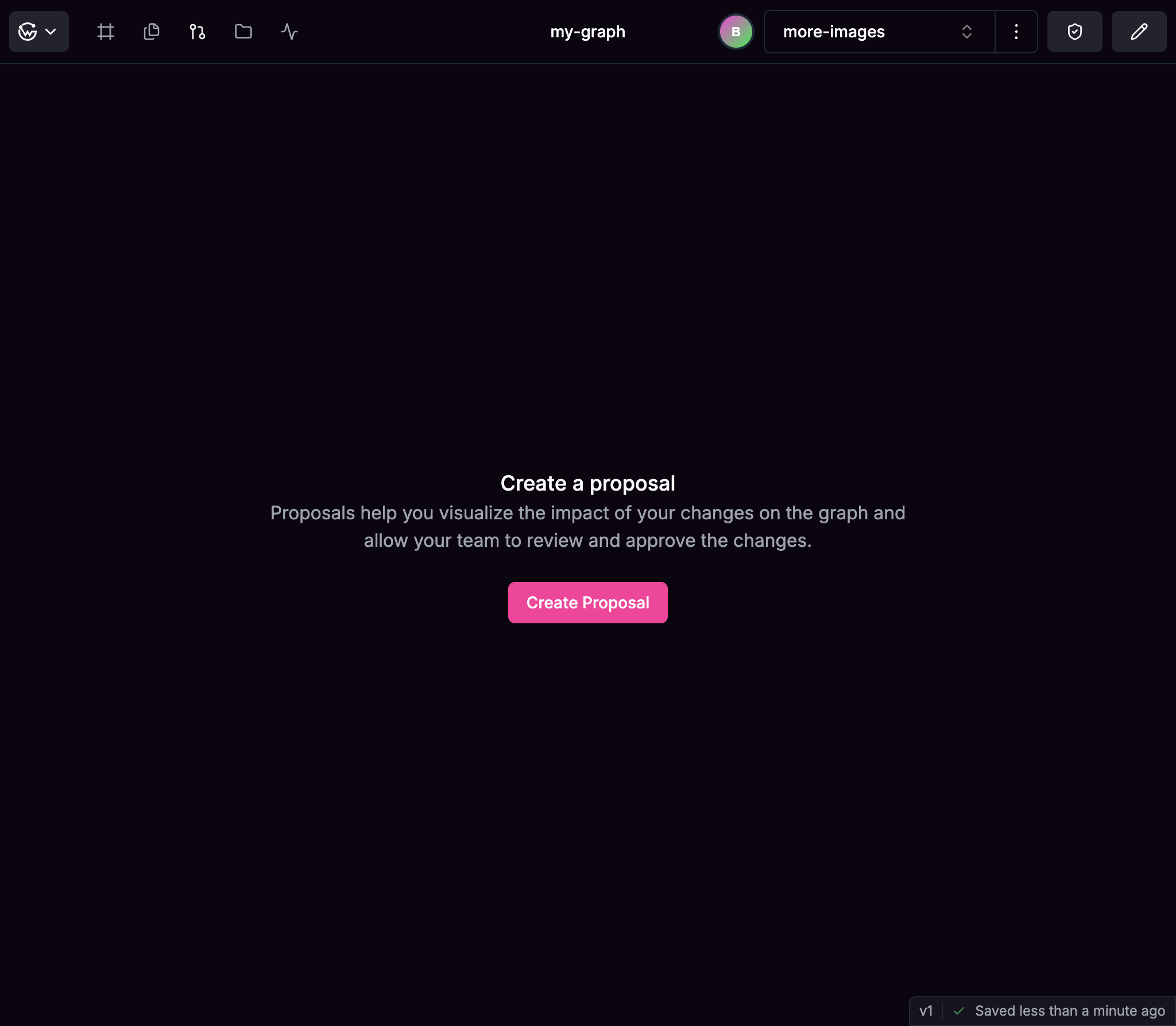
Navigate to the "Proposal" tab and click on the "Create Proposal" button.
3
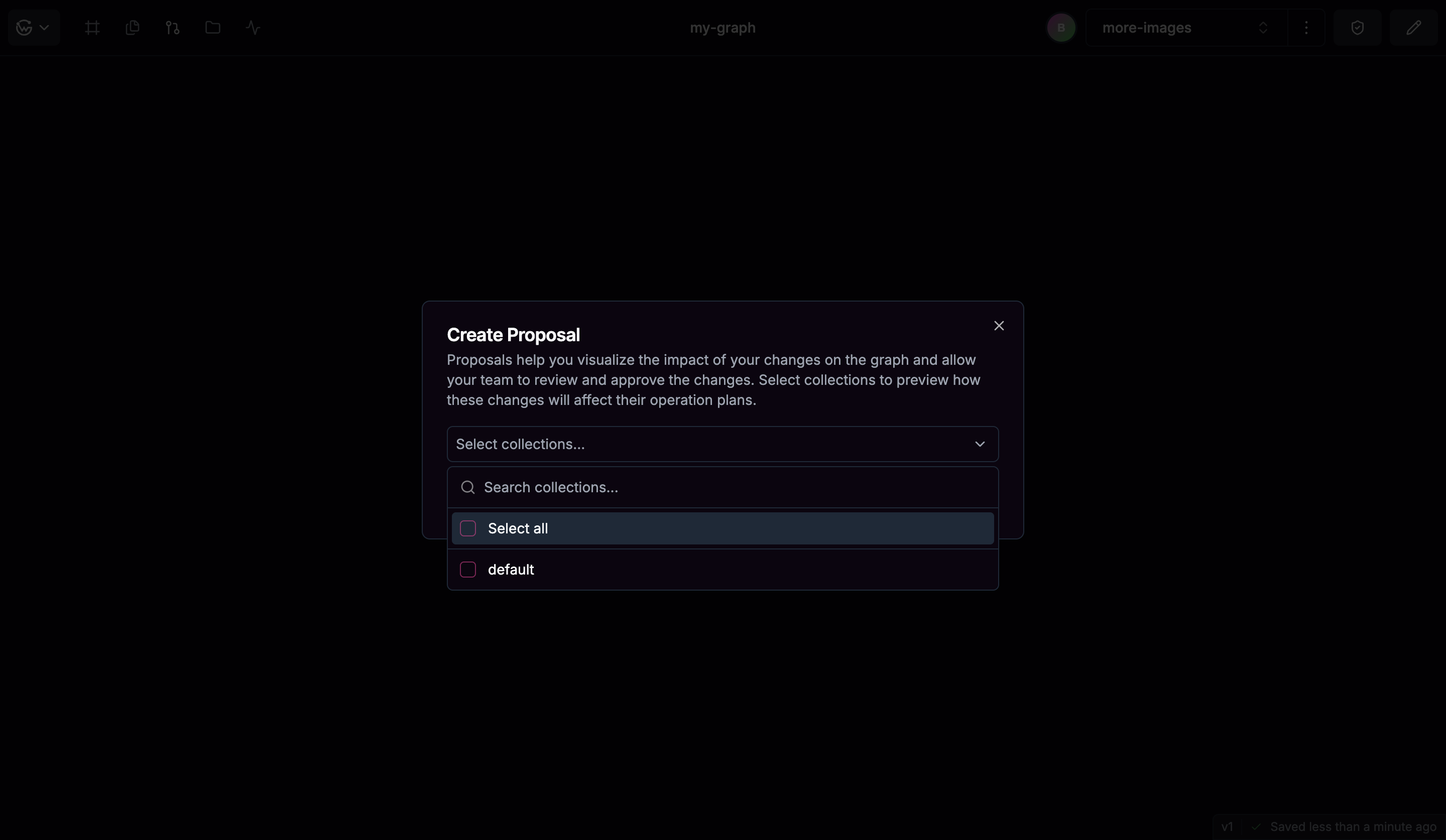
Select the collections you want to analyze.
The operations in the collections will be analyzed for performance and complexity. The selection of collections is optional but recommended.
4
Click on the "Create Proposal" button.
Proposal Workflow
The typical workflow for proposals includes:1
Creation
A team member creates a fork of the main branch, makes changes to the schema and then creates a proposal.
2
Validation
Automatic checks are run to validate the proposal for:
- Composition errors
- Breaking changes
- Operation impact (based on actual usage data)
- Lint errors
- Graph pruning errors
3
Review
Team members can review the proposal.
4
Collaboration
Team members discuss and refine the proposal if needed.
5
Decision
Approving or closing the proposal based on review.
6
Application
Applying approved proposals to update the federated graph.
Proposal States
Proposals go through various states during their lifecycle:Why Use Proposals?
Proposals help teams:- Collaborate on schema evolution: Enables team members to review and approve changes.
- Document schema changes: Keeps a historical record of modifications to your graph.
- Enforce governance: Implements proper change management for your GraphQL architecture.
- Prevent breaking changes: Identifies and addresses potential issues before they impact users.