> ## Documentation Index
> Fetch the complete documentation index at: https://hub-docs.wundergraph.com/llms.txt
> Use this file to discover all available pages before exploring further.
# Branching
Hub uses a branching system with a main branch and forked branches for parallel development. The main branch stays synchronized with your production schema through registry webhooks.
In the current UI, branches are referred to as "views" - this terminology will
be updated in future releases.
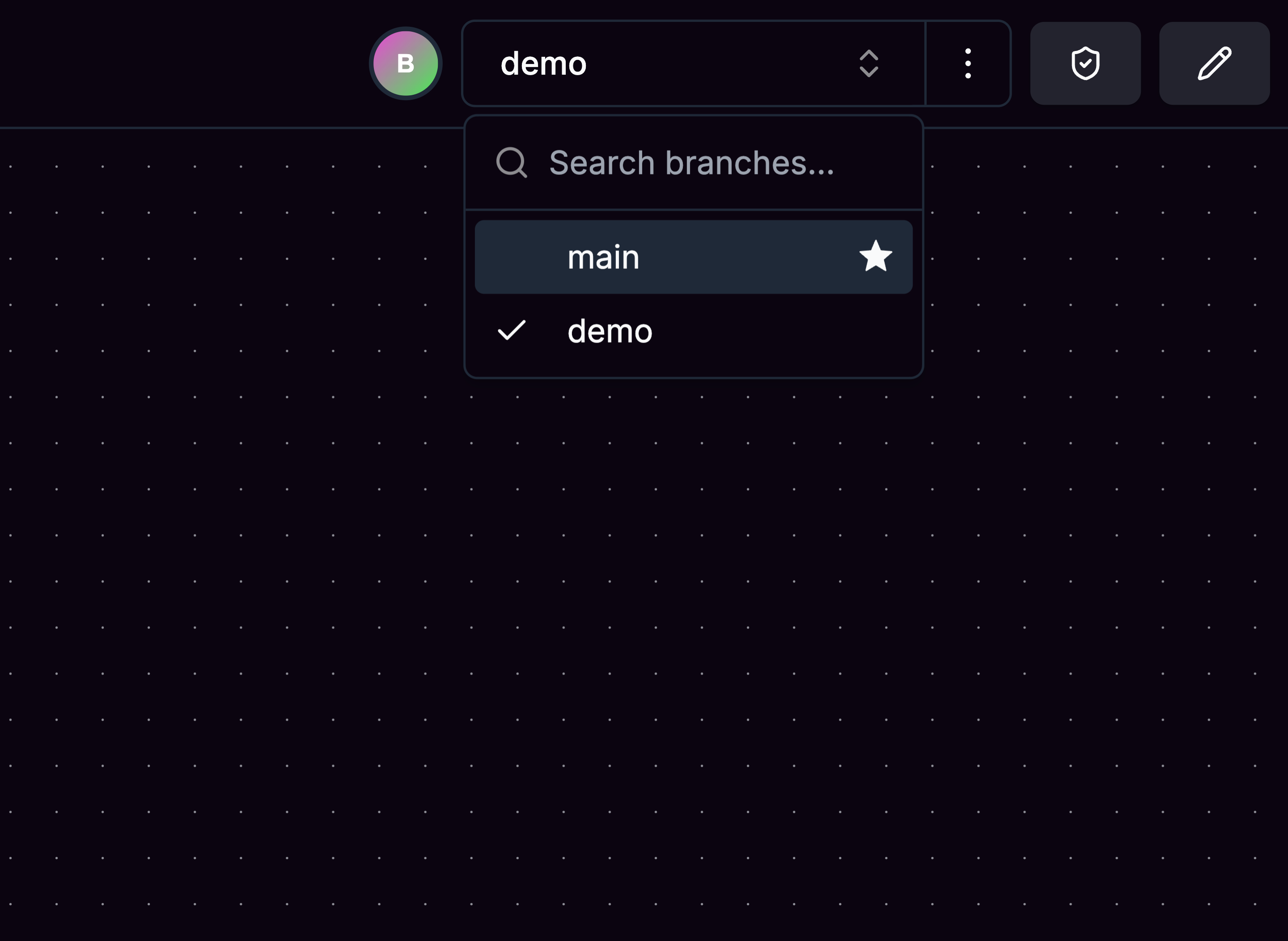 ## Main Branch
The main branch represents your current production schema state. It's automatically updated through webhooks from Cosmo, ensuring it always reflects your live federation setup. You cannot directly edit the main branch.
## Creating Forks
Create forks from the main branch or any existing branch to work on schema changes in isolation. Each fork captures the complete schema state at the point of creation, including all types, fields, and canvas layout.
Forks evolve independently with their own modifications and visual organization. Switch between branches using the header dropdown while each maintains its own state and unsaved changes.
Rebasing and directly merging branches within Hub is currently not possible
but is in development for future releases.
## Main Branch
The main branch represents your current production schema state. It's automatically updated through webhooks from Cosmo, ensuring it always reflects your live federation setup. You cannot directly edit the main branch.
## Creating Forks
Create forks from the main branch or any existing branch to work on schema changes in isolation. Each fork captures the complete schema state at the point of creation, including all types, fields, and canvas layout.
Forks evolve independently with their own modifications and visual organization. Switch between branches using the header dropdown while each maintains its own state and unsaved changes.
Rebasing and directly merging branches within Hub is currently not possible
but is in development for future releases.